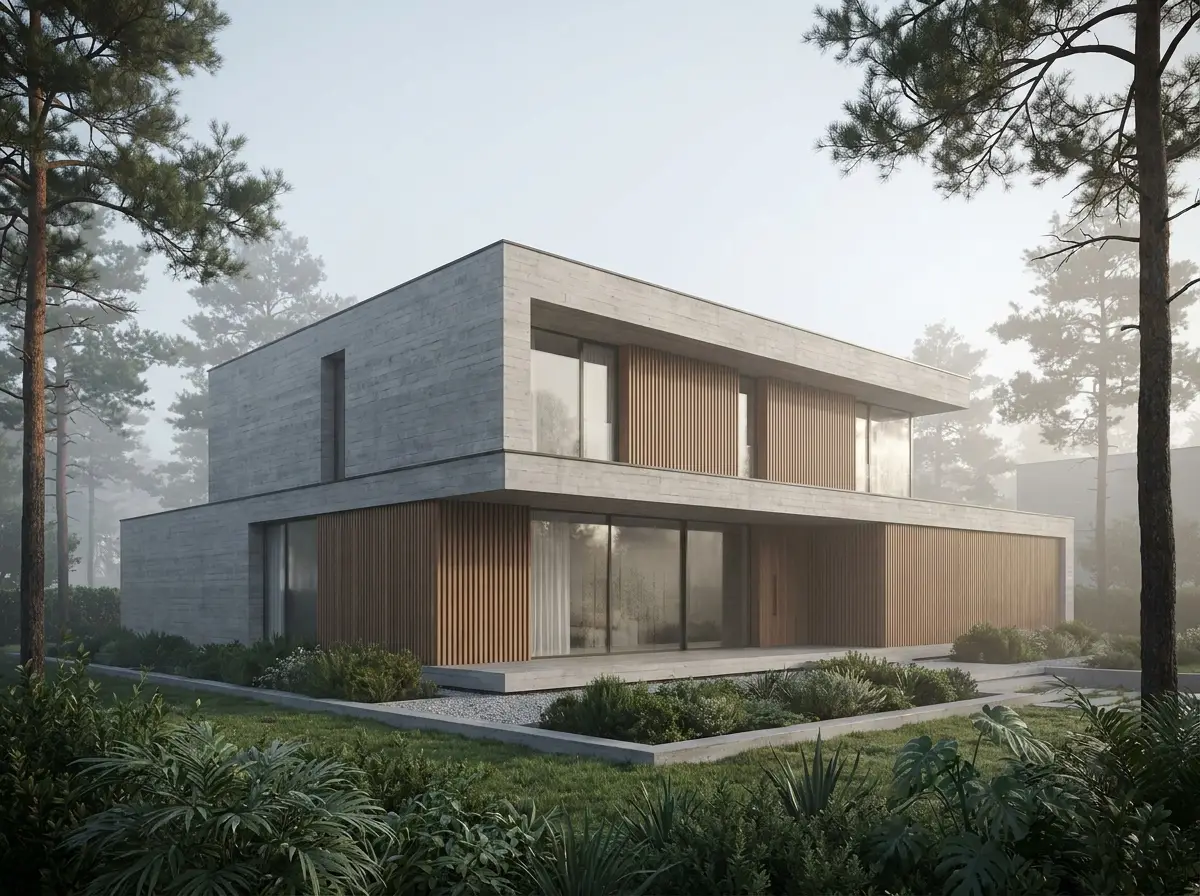
villa-massing.png
 Viewport
Loading…
Preparing the studio…
Render studio for architects
Upload a SketchUp view, a sketch or a clay model. Choose the light and the atmosphere. AIVIZ renders it and keeps the building exactly as you drew it.
Viewport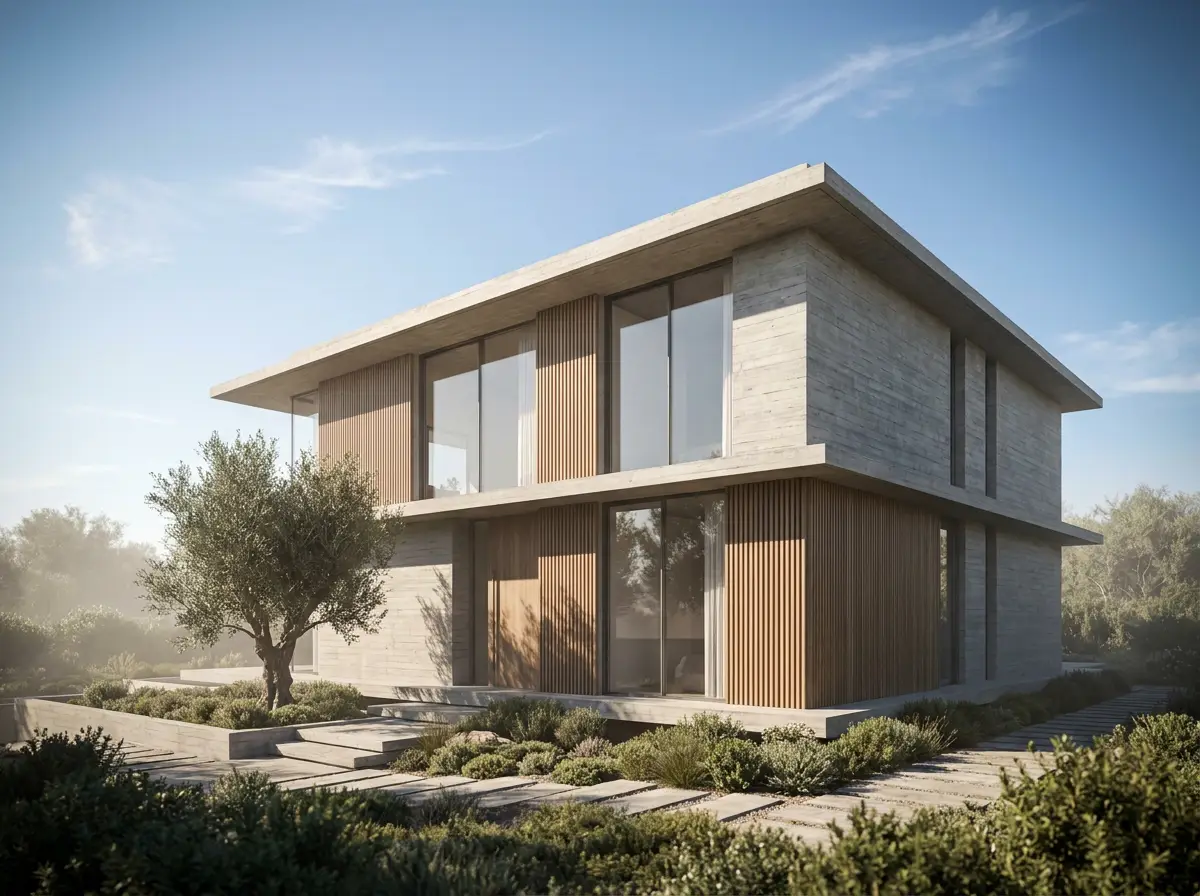
Try it: pick a mood, drag a node, wipe the result
Works with
01 · How it works
Upload what you have, pick the light, change what needs changing. The building stays where you drew it.
Upload what you already have: a SketchUp view, a clay render, a sketch. AIVIZ reads the building, the camera and what must not change.
Pick the light, the scene and the output size, then press Render. Only the light and the surroundings change; the design stays where you drew it.
Paint the part that should change and say what goes there, or branch one result into several moods. Everything unpainted stays exactly as it is.
Exterior · eye-levelProtect · massing, openings, cameraPainted · floor02 · Features
Protected geometry, real light, interiors and exteriors, and every result wired to the drawing it came from.
Upload a SketchUp view, a clay render or a sketch. The studio reads the building type, camera and materials first, so the defaults already fit what is there.
Your drawingRenderedCamera, massing, openings and materials are protected by default. A render changes the light and the atmosphere, never the building.
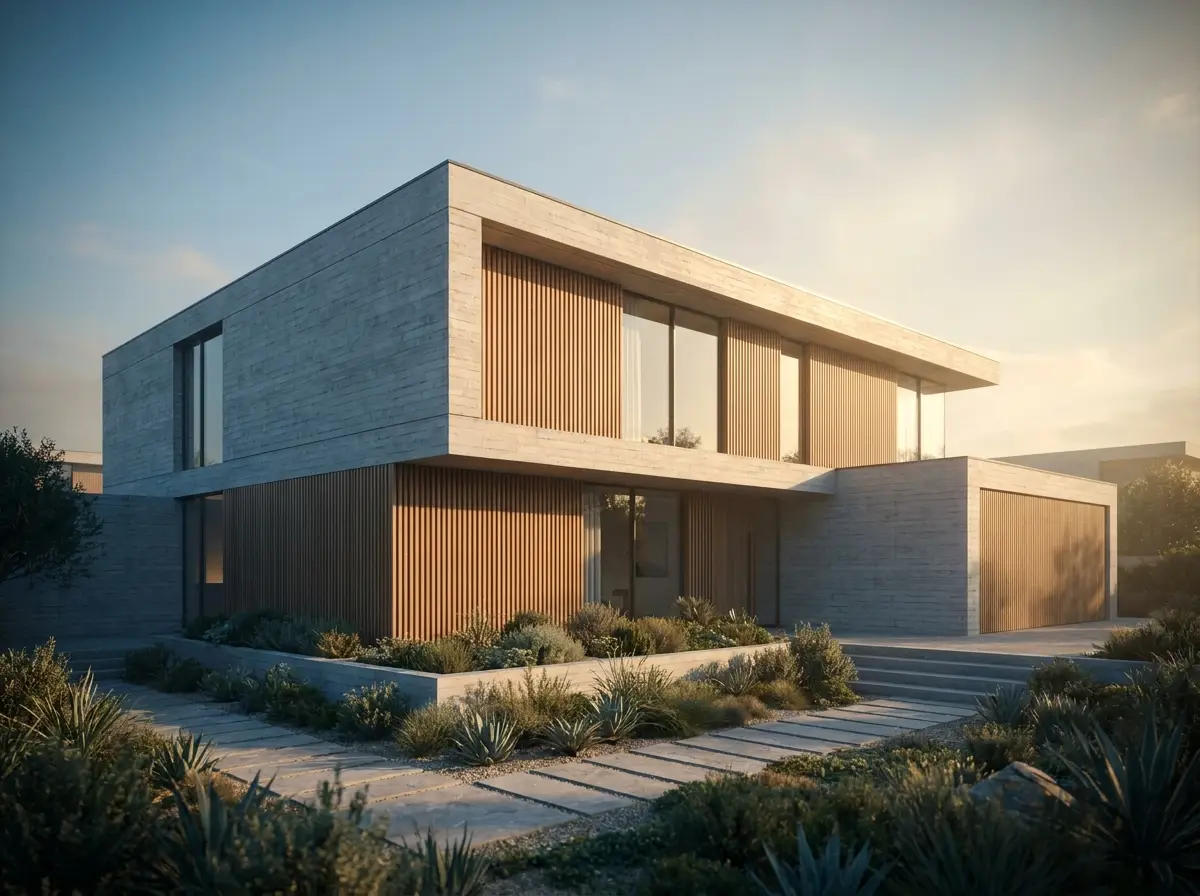
Daylight, sunset, cloudy, evening and night. Pick one, put the sun where you want it, and the building stays where you drew it.
DaylightSunset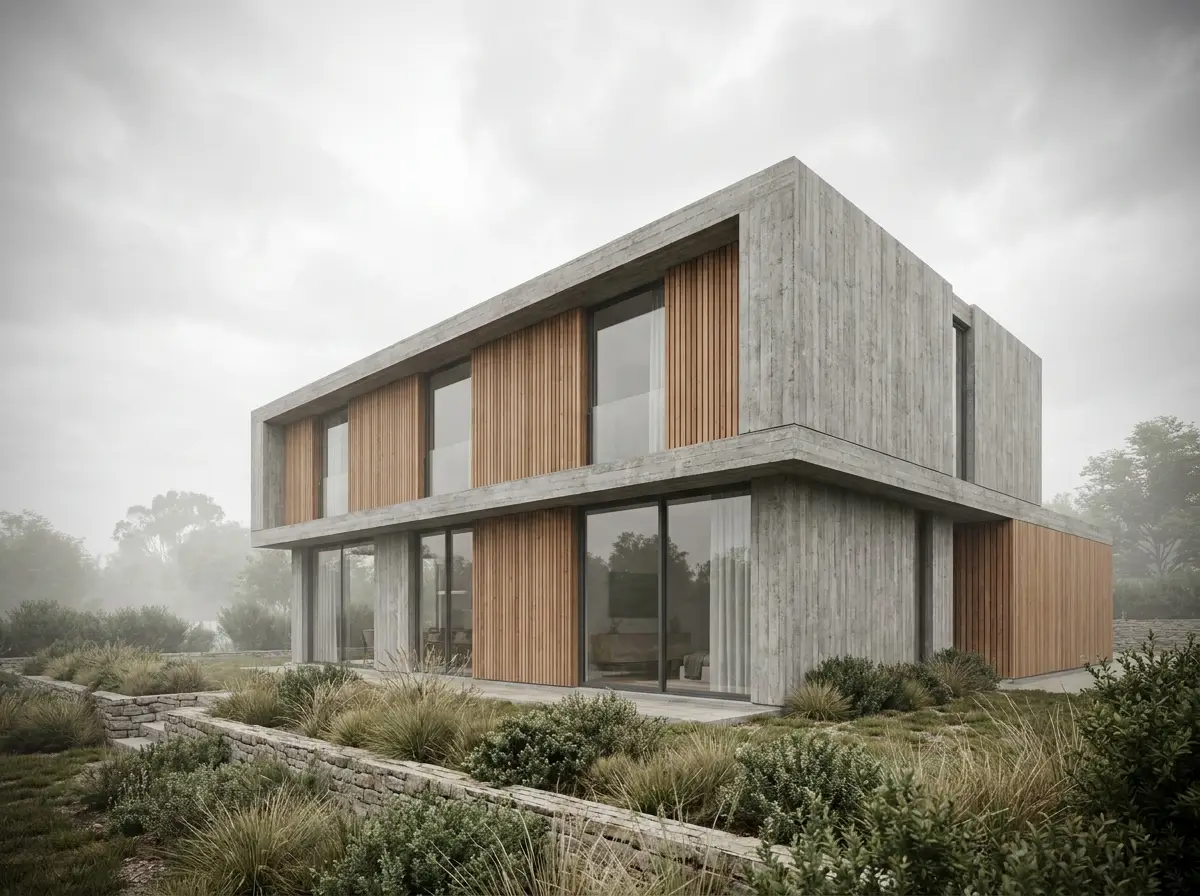 Cloudy
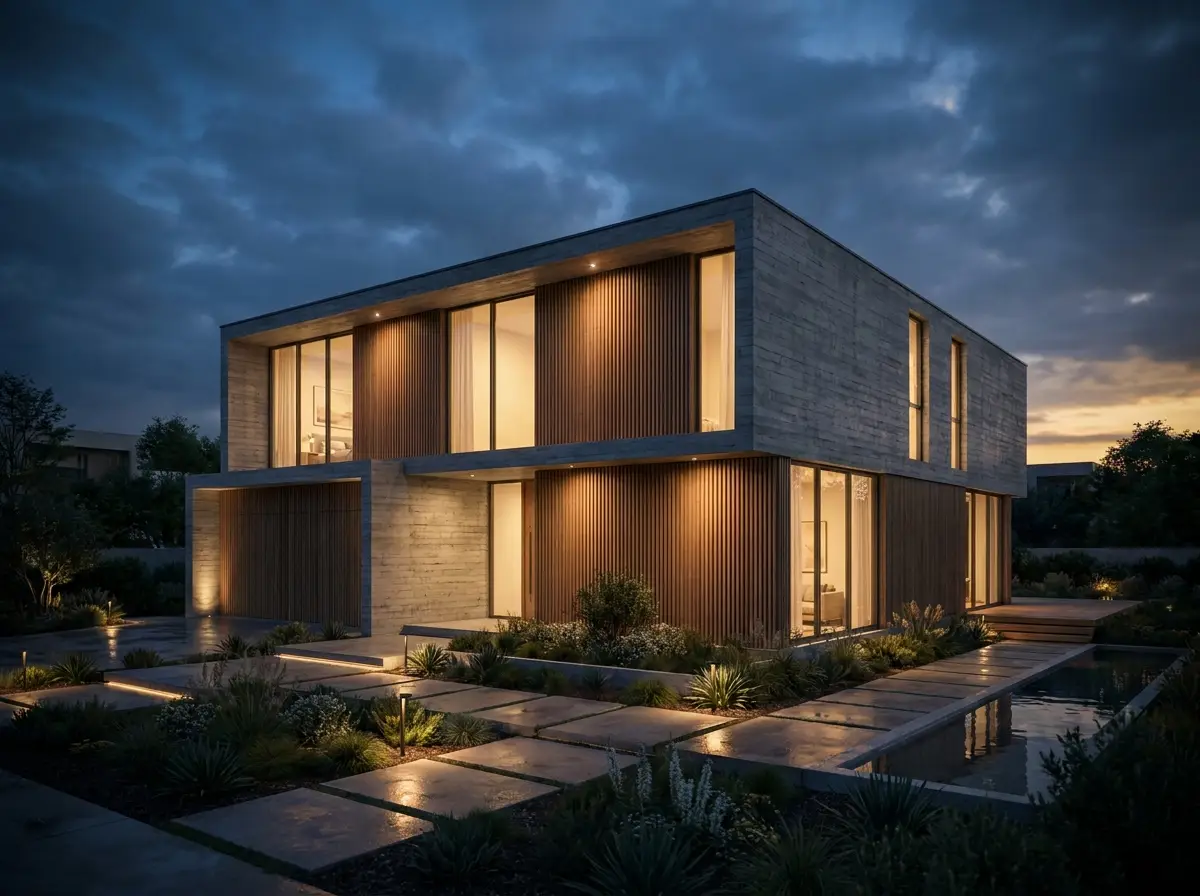 Evening
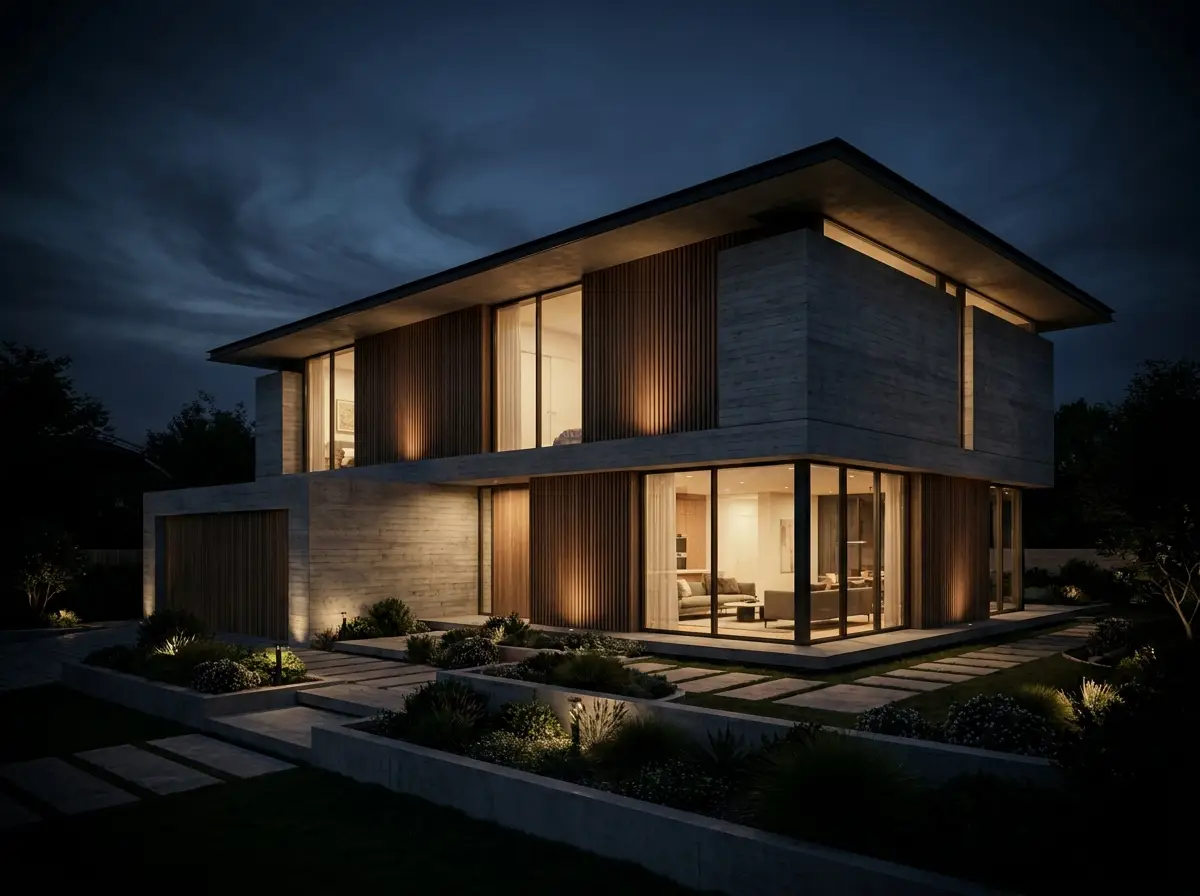 Night
NightRoom type, daylight direction, styling and occupancy. The interior studio never shows a control that cannot apply.
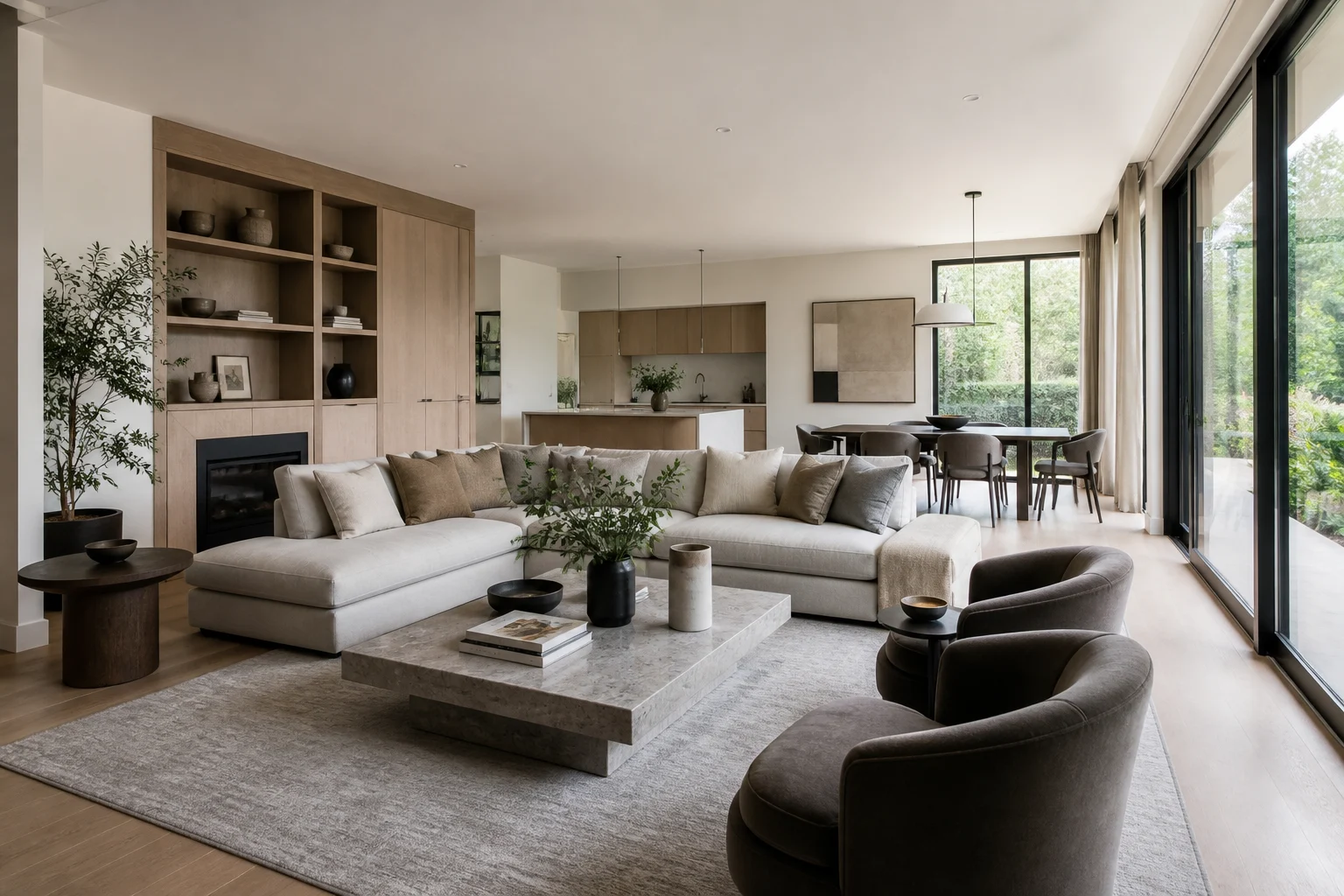 Daylight
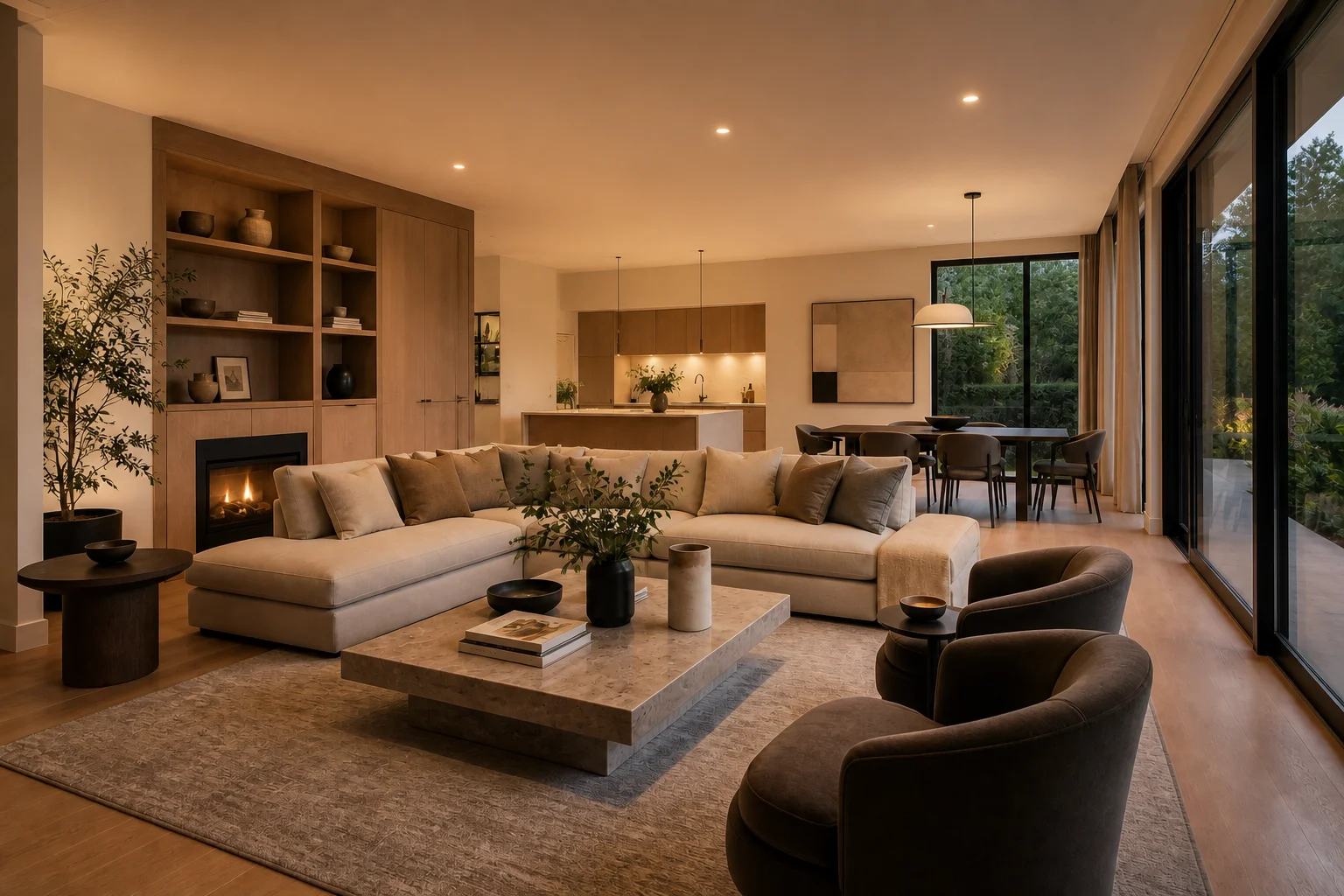 Warm
Warm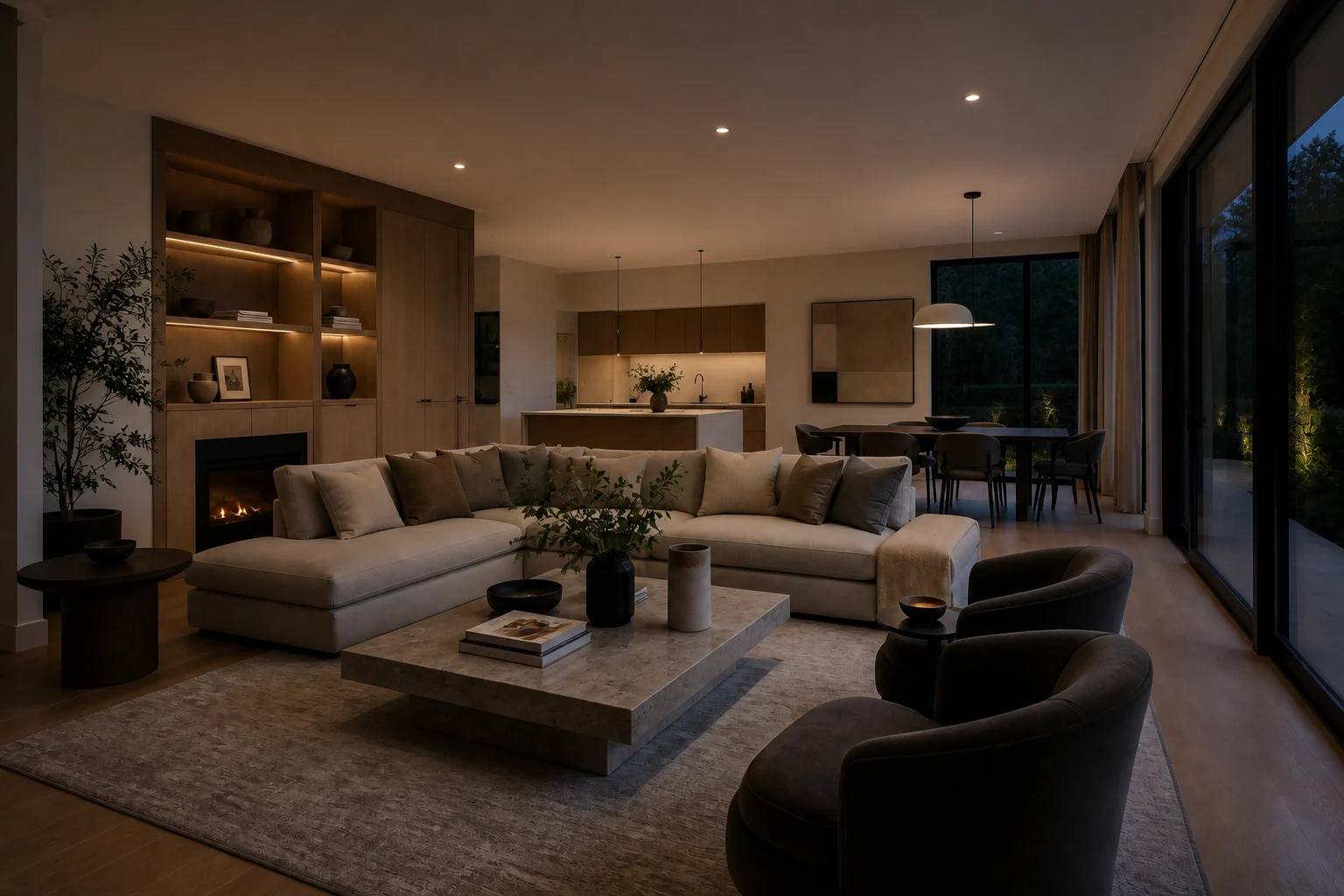 Night
NightThe studio is a board of nodes. A result hangs off its render, a variation branches from a result, and a compare reads any two of them, so nothing gets lost.
SourceExterior renderDaylightNightEdit a region, turn the camera, branch variations, upscale, or steer the atmosphere with a style reference.
1K, 2K and 4K output, up to 4 images per run. Unlimited image analysis on every pack.
03 · The dial
One dial, two studios. Choose a mood for an exterior or an interior and the preview follows.
04 · Showcase
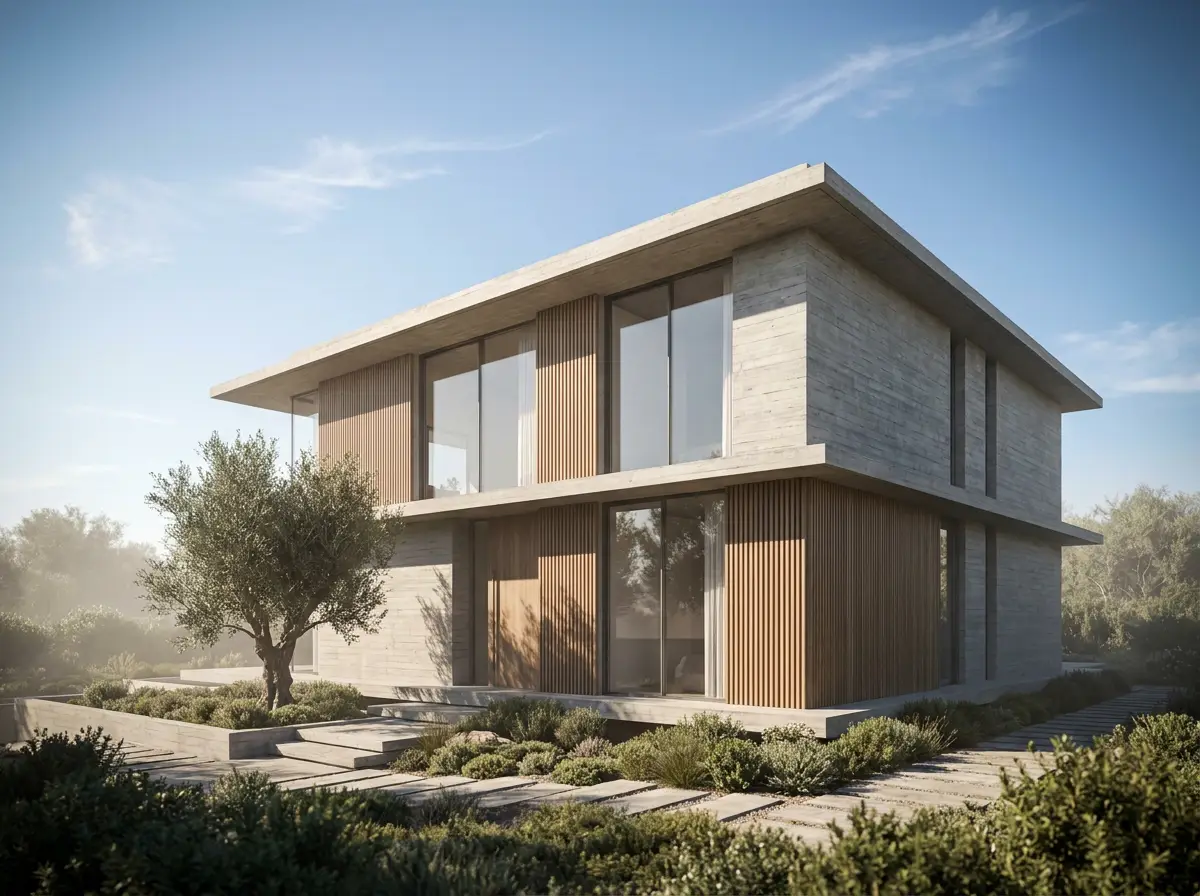
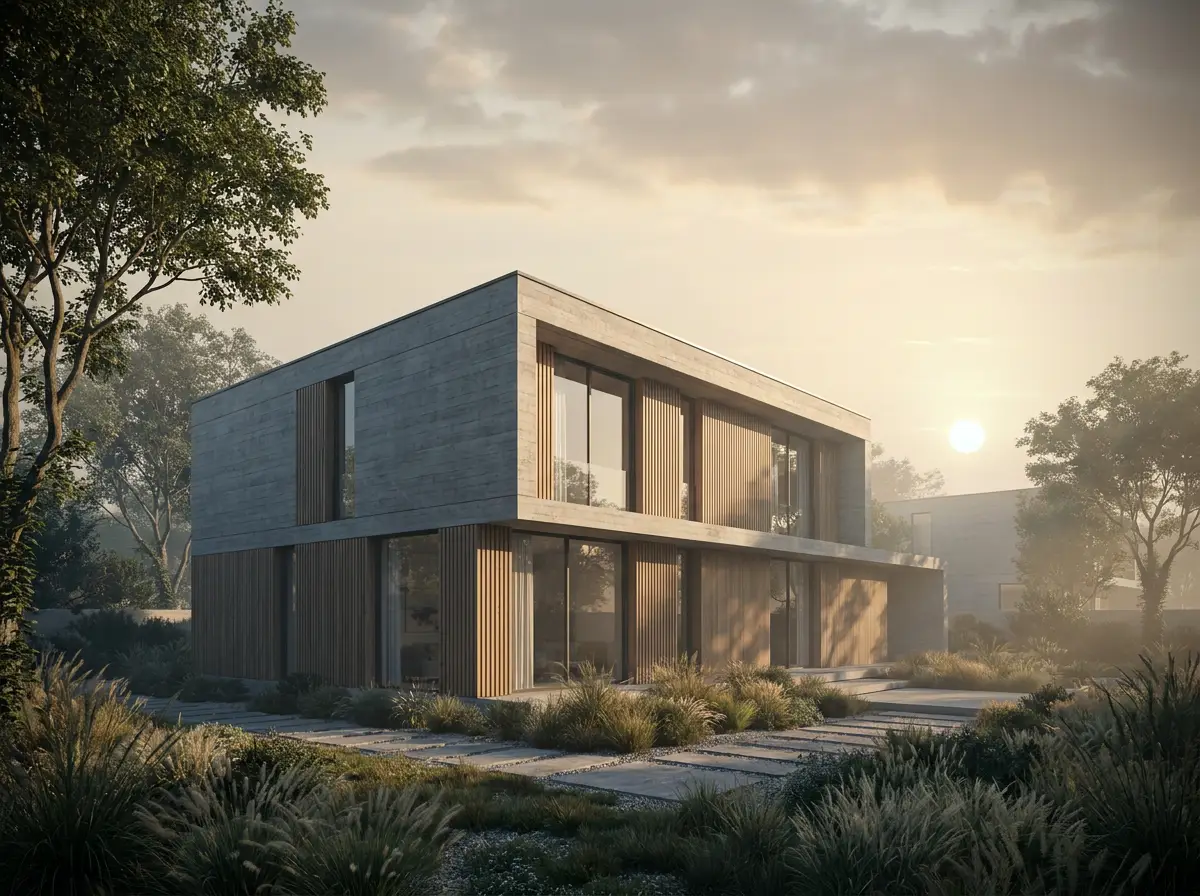
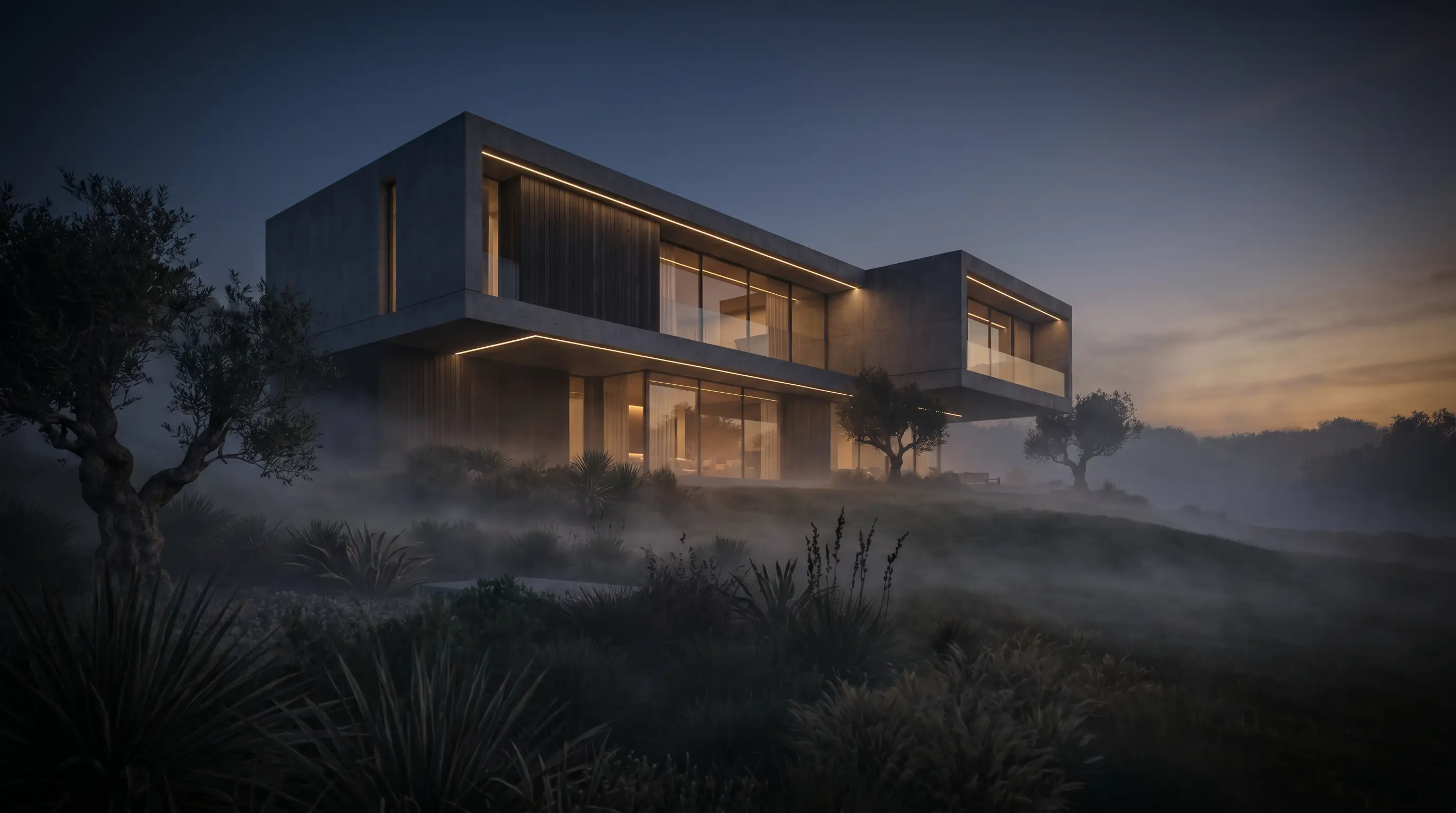
Renders from the studio, as they came out.
05 · Pricing
Buy credits when you need them and pay with QRIS or an e-wallet. No subscription. Every pack is valid for 30 days from the moment your credits arrive.
One-time payment, no subscription. Every pack unlocks the full studio and every resolution (1K, 2K and 4K), up to 4 images per run.
For a single project or thesis
Rp 100.000
One-time payment · valid 30 days
60 credits
≈ 30 renders at 1K
≈ 15 renders at 4K
For architects who render every week
Rp 200.000
One-time payment · valid 30 days
120 credits
≈ 60 renders at 1K
≈ 30 renders at 4K
For studios and teams
Rp 500.000
One-time payment · valid 30 days
300 credits
≈ 150 renders at 1K
≈ 75 renders at 4K
Unlimited image analysis is subject to fair use of up to 15 new images per day. Re-analyzing an image you've already uploaded is instant and never counted.
Free credits
A one-time welcome grant for new accounts that sign in with Google, while the promotional allocation lasts.
06 · Questions
Short answers. The pricing page keeps the long ones.
A SketchUp or Revit screenshot, a clay or white-model render, a hand sketch, or an early visualization. The clearer the geometry reads, the more faithful the result.
Not by default. Geometry preservation keeps massing, openings, and camera intact, so the render changes presentation only. You can loosen it deliberately when you want exploration.
Every render and edit costs credits, and each run shows its price before you start. A Final render costs 2 credits at 1K and 4 credits at 4K. Image analysis and upscaling are free.
QRIS, DANA, OVO, GoPay and ShopeePay on every pack. Pro and Team can also be paid by bank transfer (virtual account). Payments are processed by Midtrans in Indonesian rupiah, and the price shown is the price you pay. Cards and over-the-counter payments aren't available yet.
In this browser. Each project keeps its canvas, references and render sets in browser storage, not in your account, so it's there when you return on the same browser and gone if the site data is cleared. To keep a set elsewhere, export the board as a PNG.
Established 2026 · projects stay in your browser
Start a project with the drawing you already have. Every project keeps its own canvas, references and render sets.