Features
The building you drew, rendered the way you decide.
No typing. Upload a drawing, turn a few dials, and every result stays wired to the render that made it.
- Read
From your drawing to a render, without typing.
Upload a SketchUp view, a clay render or a sketch. The studio reads the building type, camera and materials first, so the defaults already fit what is there.
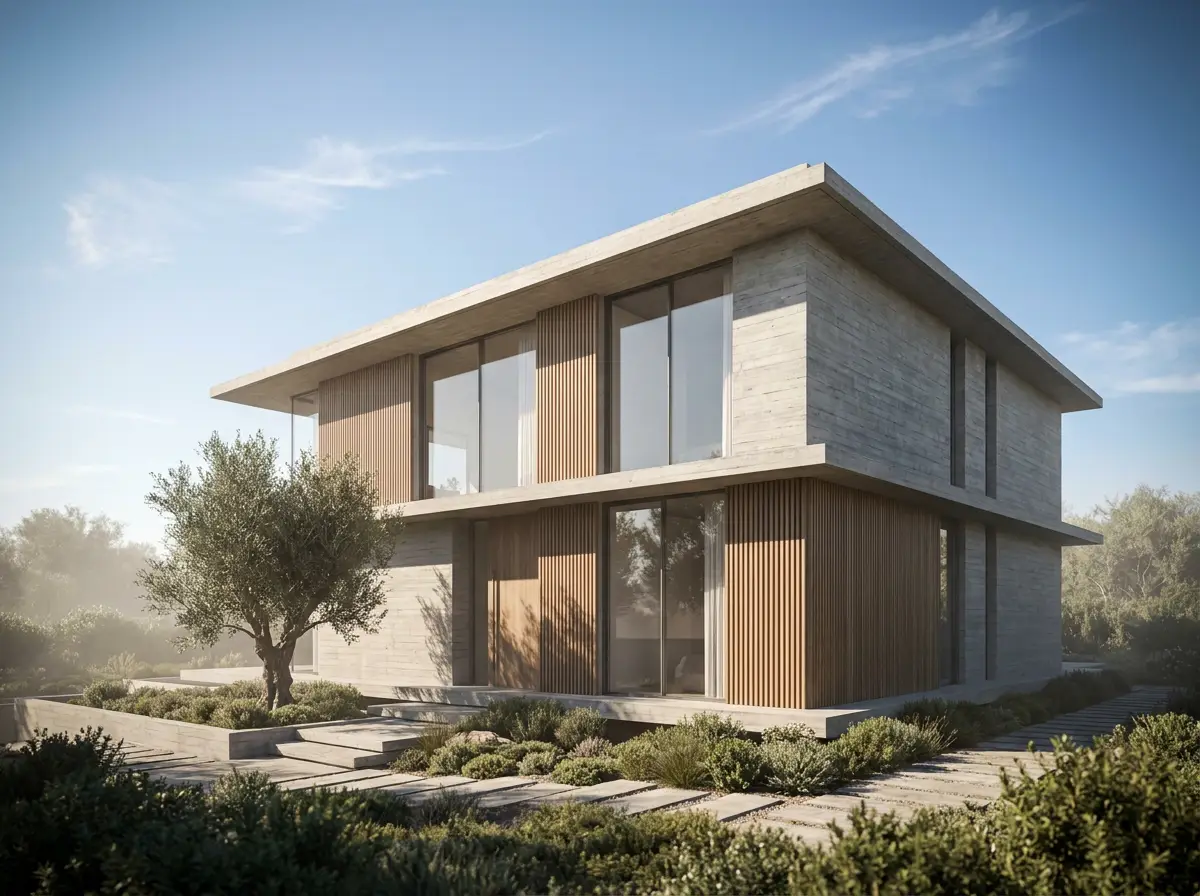 Your drawing
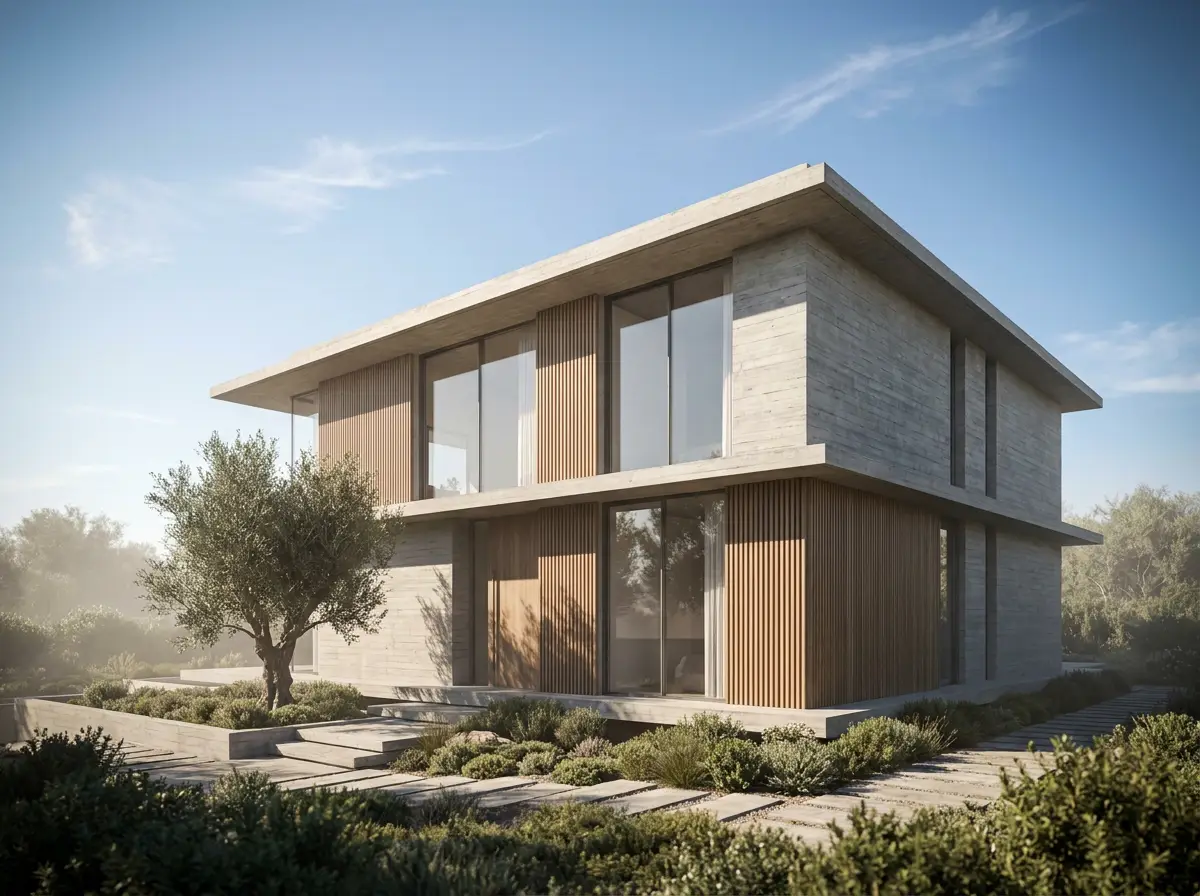 Rendered
 - Lock
Your design is not up for debate.
Camera, massing, openings and materials are protected by default. A render changes the light and the atmosphere, never the building.
- Camera
- Massing
- Openings
- Materials
- Light
Light is a dial.
Daylight, sunset, cloudy, evening and night. Pick one, put the sun where you want it, and the building stays where you drew it.
- Daylight
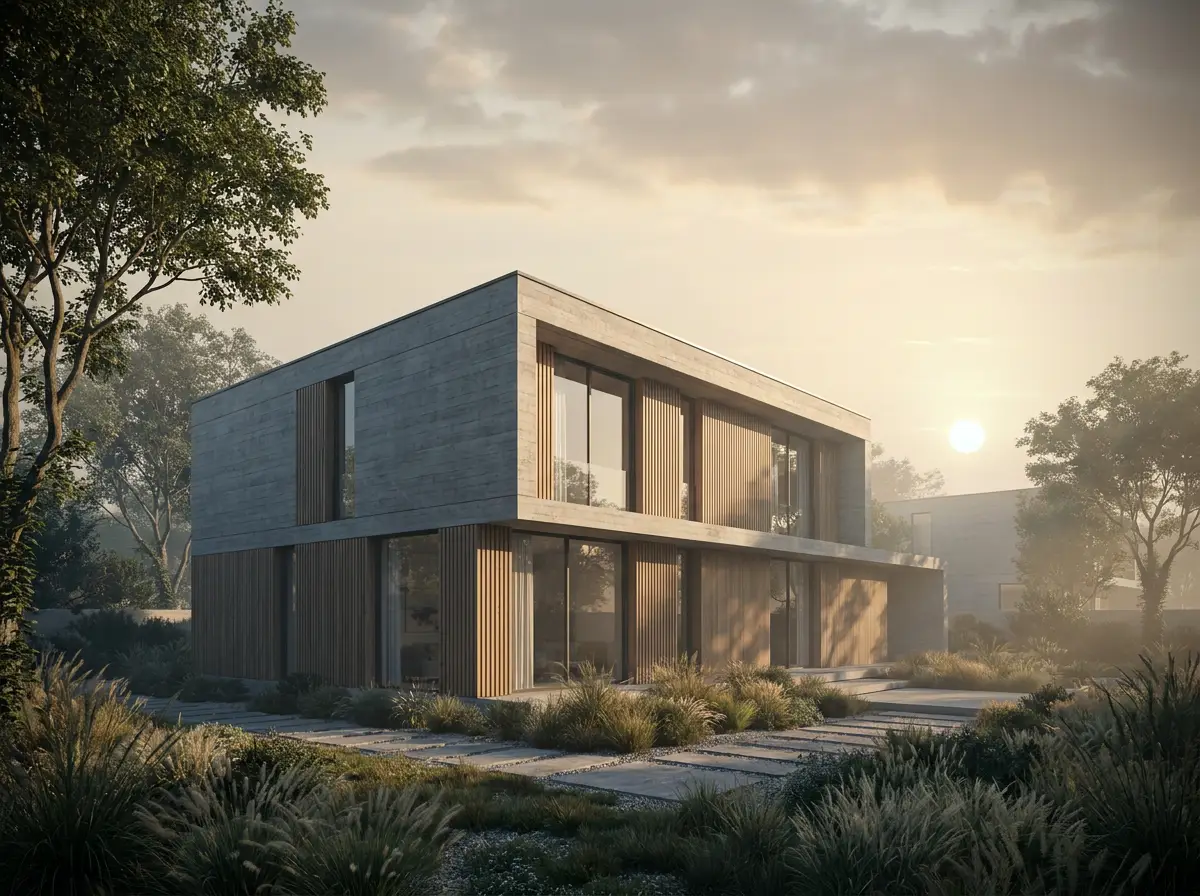 Sunset
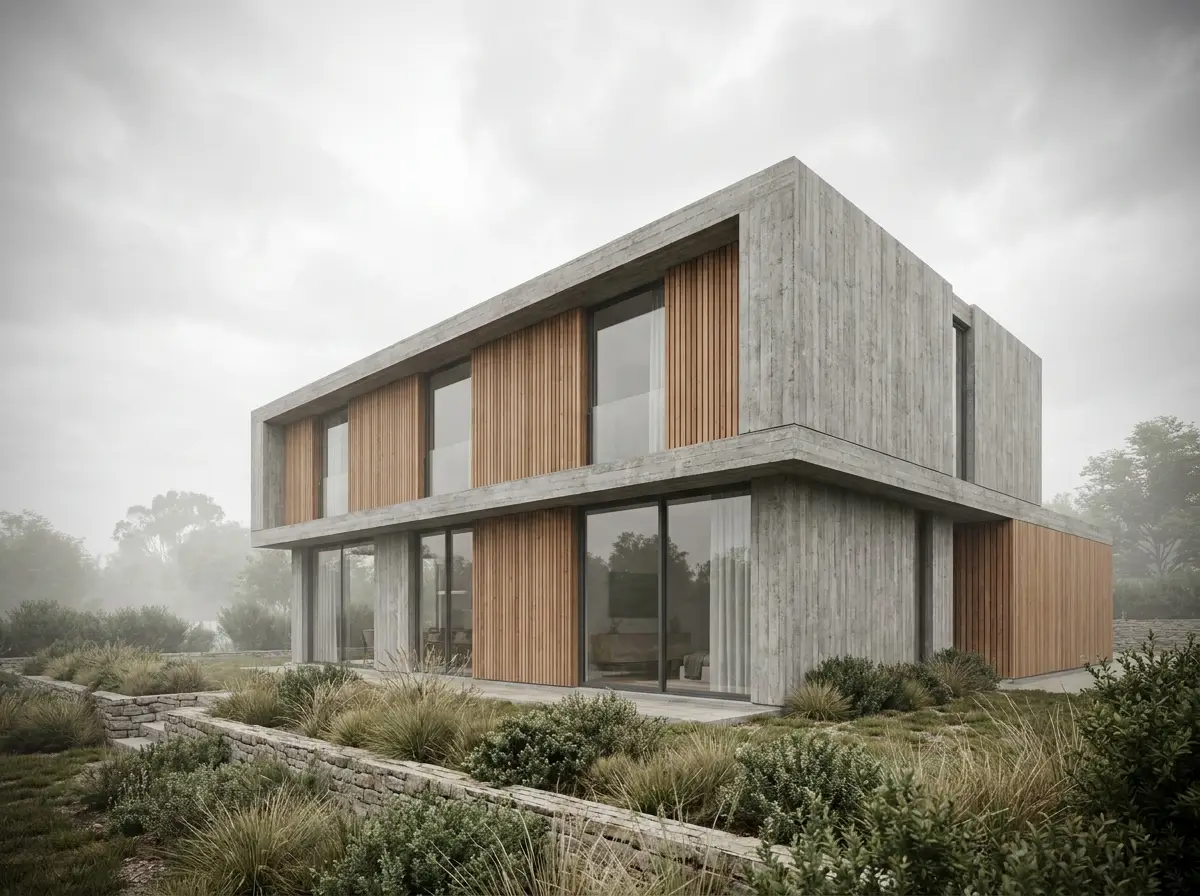 Cloudy
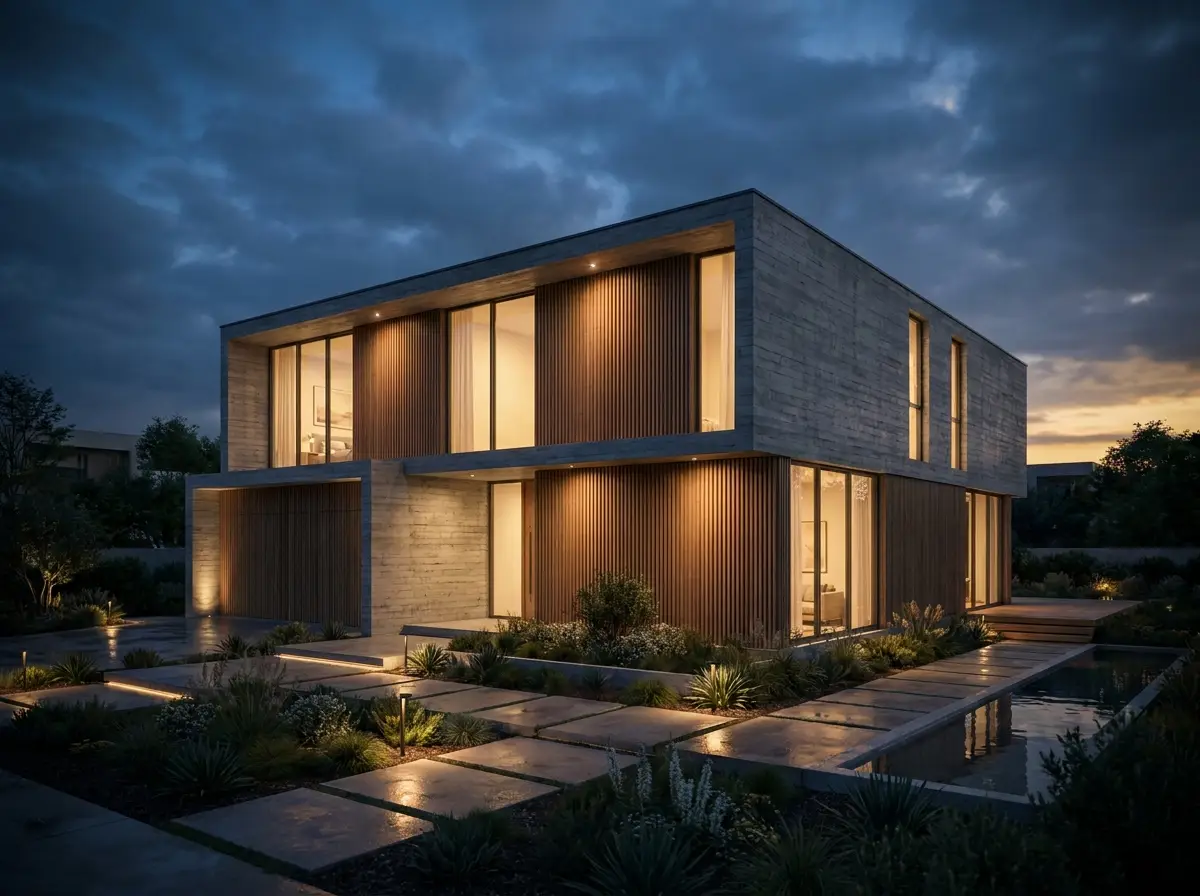 Evening
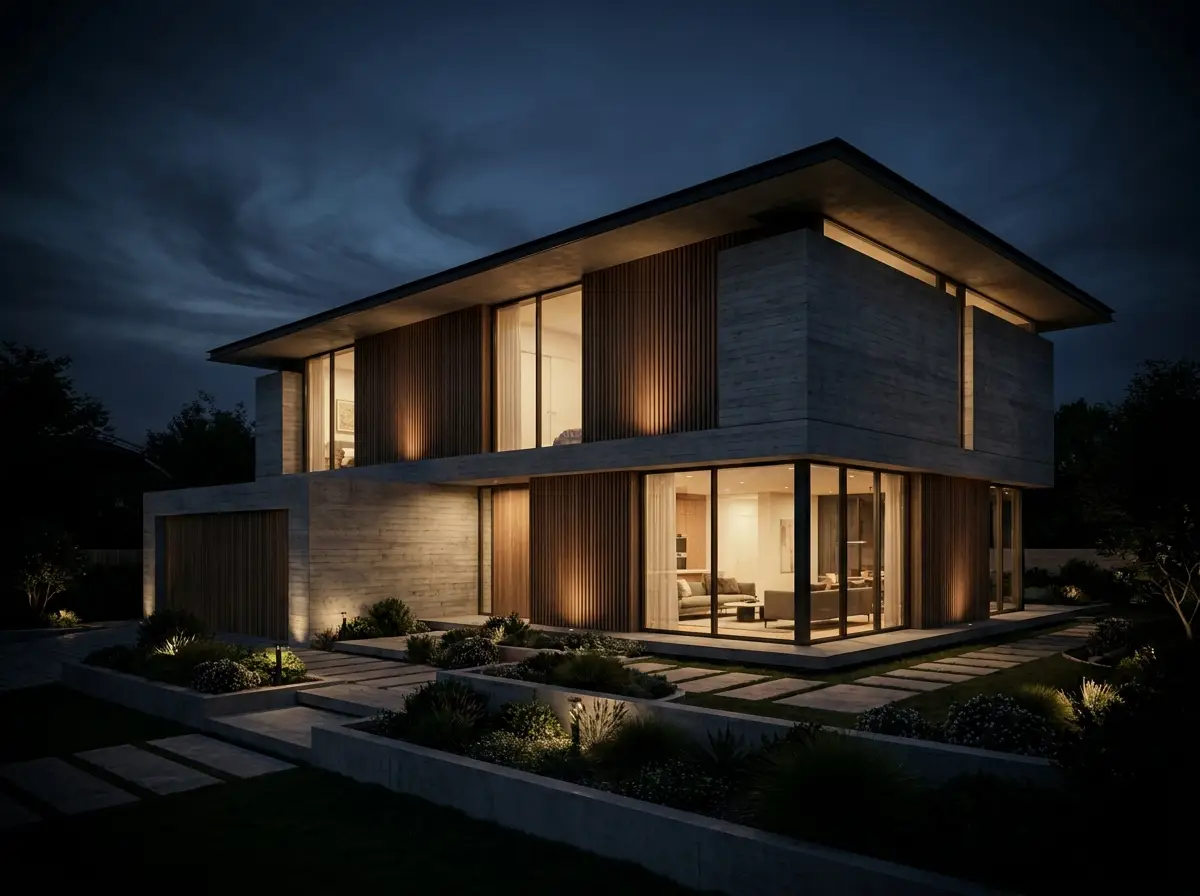 Night
Night
- Interior
Rooms have their own dials.
Room type, daylight direction, styling and occupancy. The interior studio never shows a control that cannot apply.
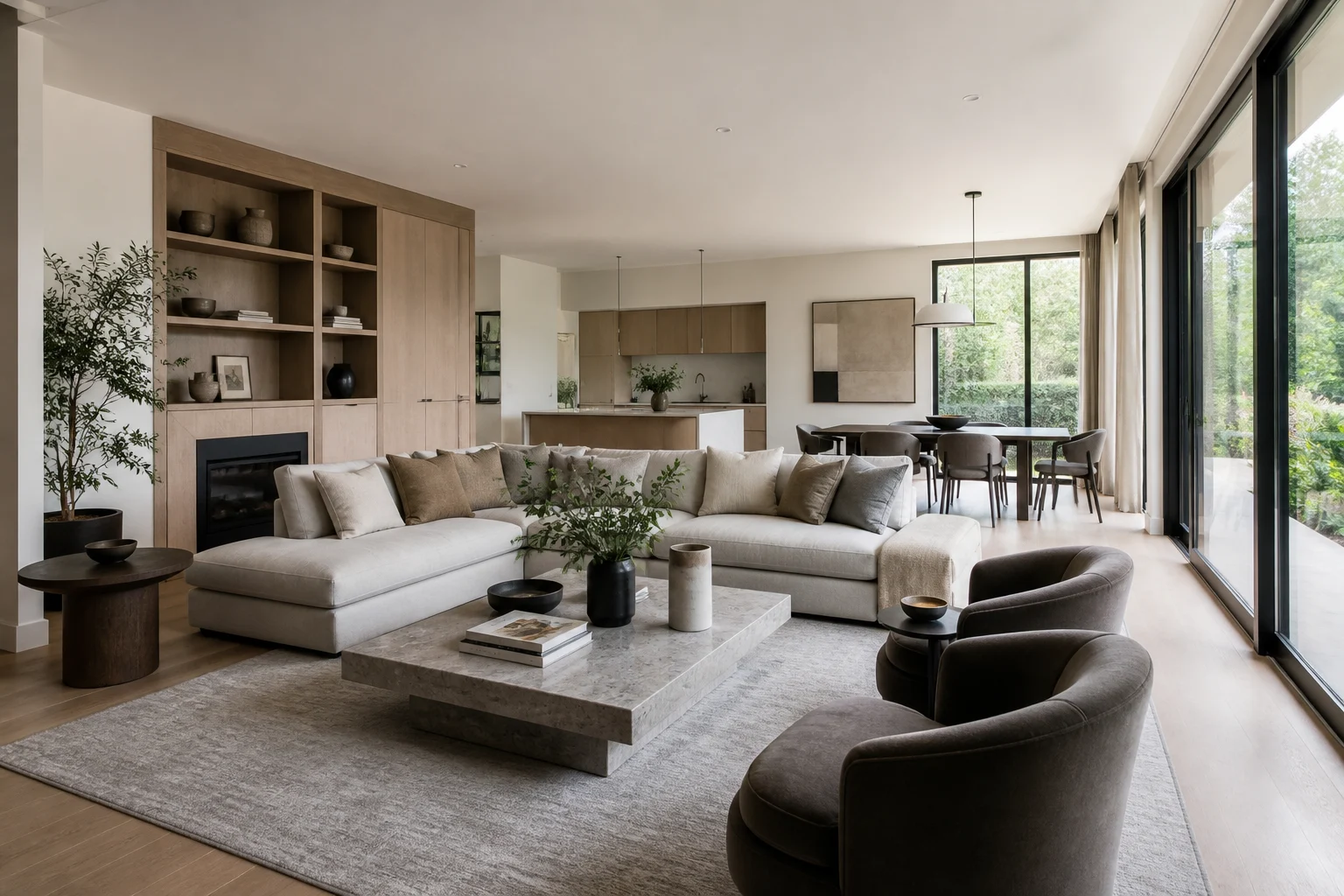 Daylight
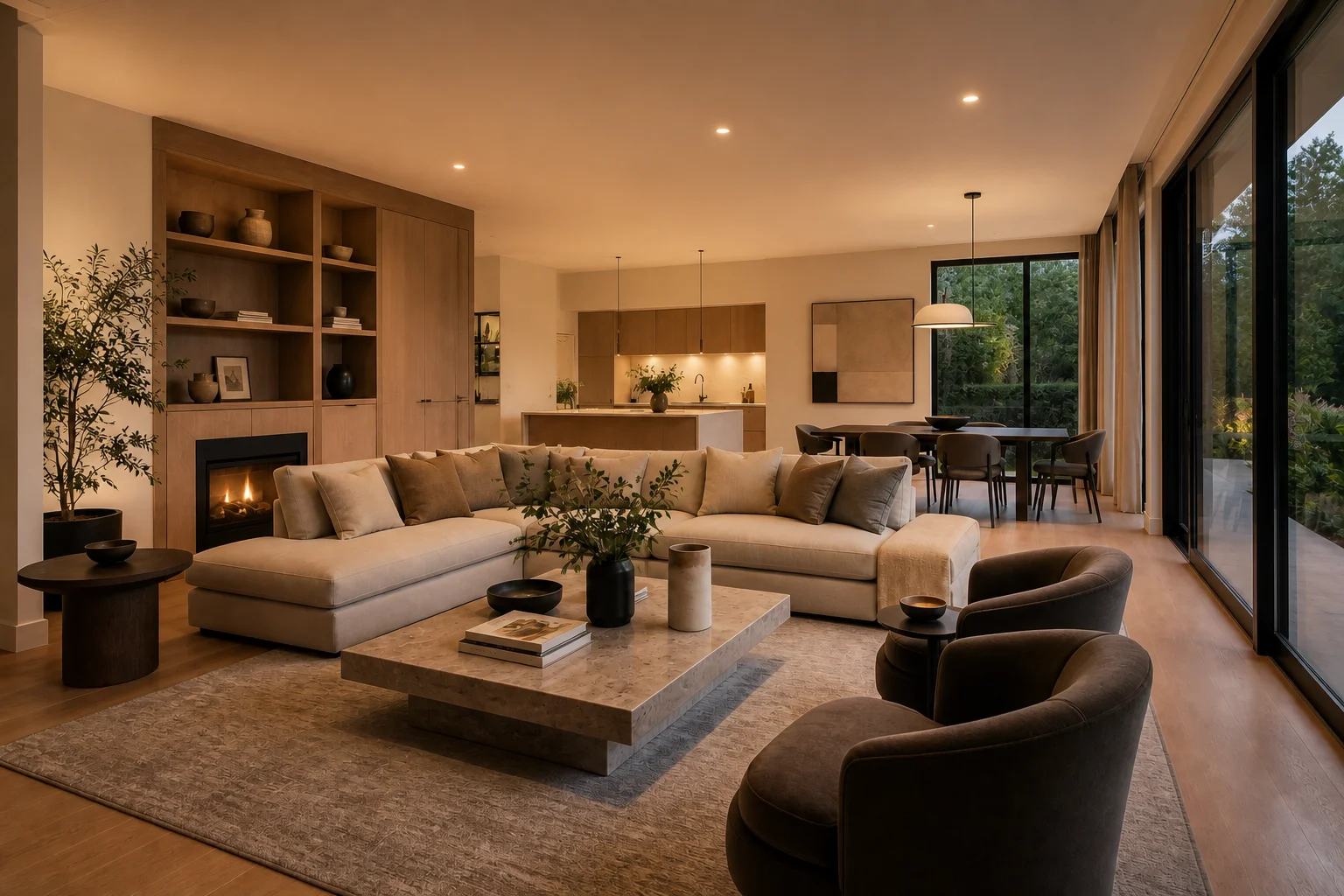 Warm
Warm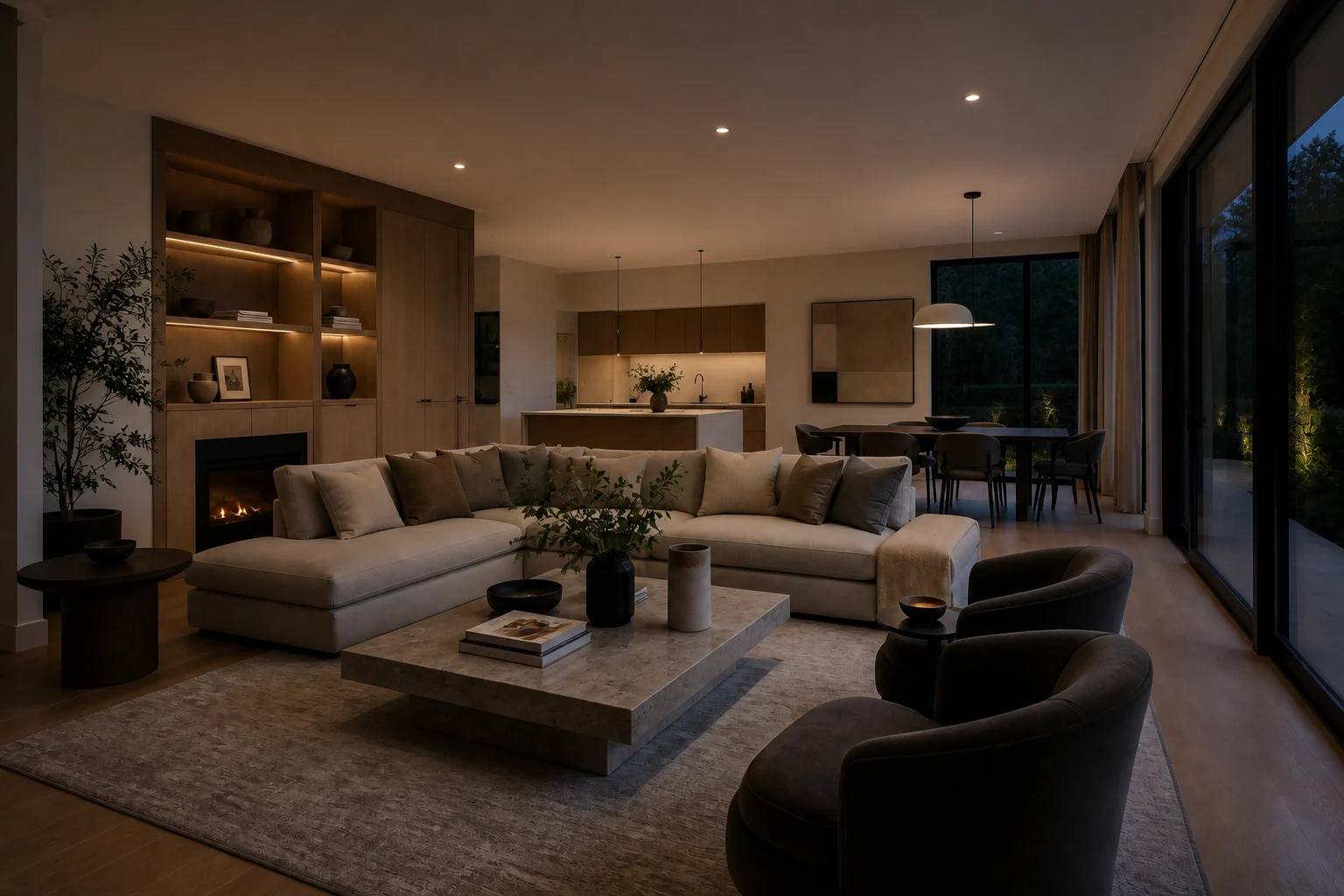 Night
Night
- Board
Every result stays wired to the render that made it.
The studio is a board of nodes. A result hangs off its render, a variation branches from a result, and a compare reads any two of them, so nothing gets lost.
SourceExterior renderDaylightNight - After the render
Keep working on the same board.
Edit a region, turn the camera, branch variations, upscale, or steer the atmosphere with a style reference.
- Edit a region
- Camera angles
- Variations
- Upscale
- Style reference
- Compare
- Output
Up to 4K, 4 at a time.
1K, 2K and 4K output, up to 4 images per run. Unlimited image analysis on every pack.
- 1K
- 2K
- 4K
- × 4 per run
The dial
Pick the light. The building stays.
One dial, two studios. Choose a mood for an exterior or an interior and the preview follows.